
Mechs vs Kaiju's Ragdoll Official Links
Roblox page, group, and the wiki pages you should open after you join.
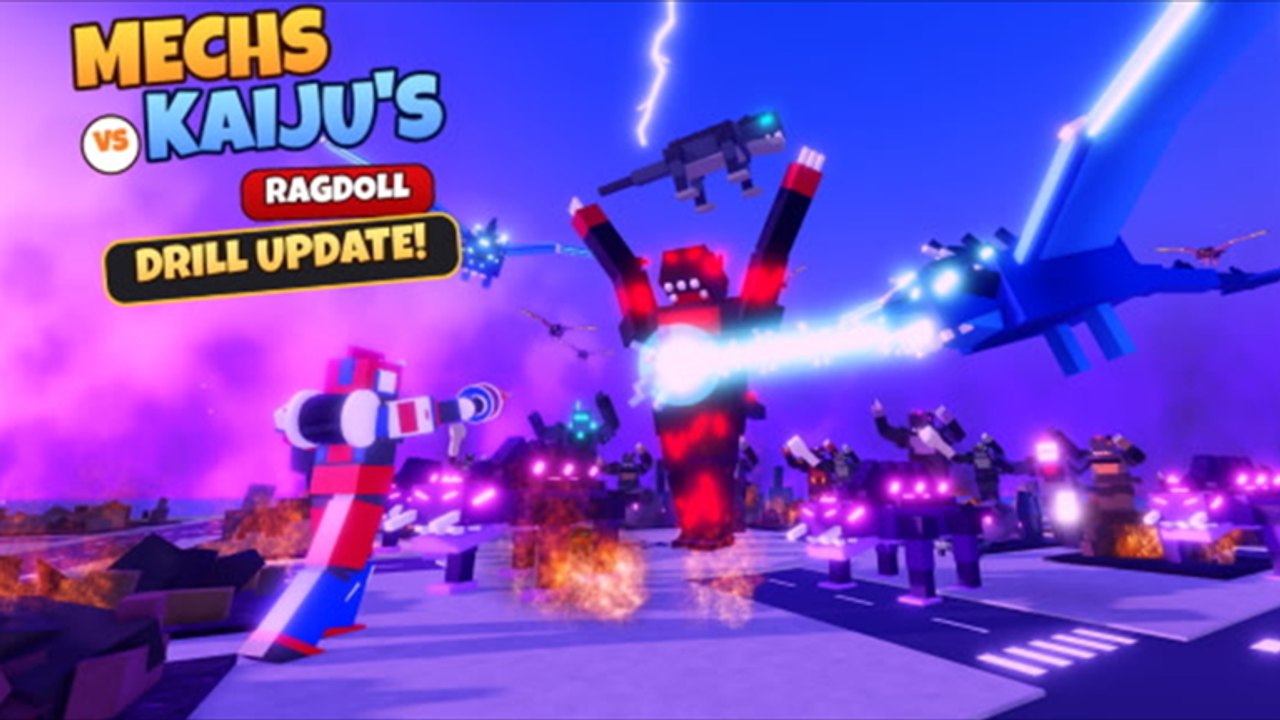
This is the links desk for Mechs vs Kaiju’s Ragdoll. The developers publish codes and patch text on the Roblox experience page, not on a Trello, and not on an official Discord that we can find. Bookmark the two URLs below. Then use this wiki for the hangar, not for rumors.
Official
- Play: Mechs vs Kaiju’s Ragdoll on Roblox — place
137036044759831, universe10775016983. - Group: Mechs vs Kaiju Studios — required to redeem codes.
- Creators: Jadyboy467 and EZMON107, listed at the bottom of the official description.
Like and favorite the experience while you are on that page. The in-game ROBUX SHOP checks all three gates. Procedure: How to Redeem.
What you will not find
- Official Discord. Code roundups noted there is no listed server on the game page. Do not trust random official invites in YouTube comments.
- Public Trello. Patch notes are the description block. The Updates Hub mirrors it.
- A character shop. Named mechs come from packs, not from a Robux roster. Shop rows are scrap bundles and a forever 2x pass. Scrap and Packs.
Wiki map after you join
- Codes Hub — six live Jungle strings
- Getting Started — first hour
- Controls — six buttons plus T
- Beginner mechs — leave Scout
- Jungle Map — plus 20 percent farm
- Tools — scrap-to-roll math
If you were sent here from a script video, read Scripts before you inject anything. Official Auto Roll already exists.
Facts worth pinning
| Field | Value |
|---|---|
| Released | 6 November 2026 |
| Genre | Action, ragdoll combat |
| Server size | 24 |
| Platforms | PC, phone, console |
| Price | Free to play |
| Current headline | Jungle major update |
This wiki is unofficial. When the description and this page disagree, the description wins. When a short video and the description disagree, the description still wins.
If a friend sends a screenshot of a brand-new code, open the Roblox description before you type it. The shop footer even tells you that new codes live there. This wiki copies that block after we see it. The same rule applies to Discord invites and executor hubs that impersonate Mechs vs Kaiju Studios: the real group and place ID are the two official links at the top of this page.
Related
Frequently Asked Questions
Quick answers to the most common questions.
Is this wiki official?
No. It is a fan resource. Confirm codes and patches on the Roblox experience page.
Where is the official Discord?
None is listed on the game page. Join the Roblox group instead.
Do I need the group to play?
You can play without it. You cannot redeem codes without it.
Is there a Trello?
No public Trello is linked from the official description. Use the Updates hub.